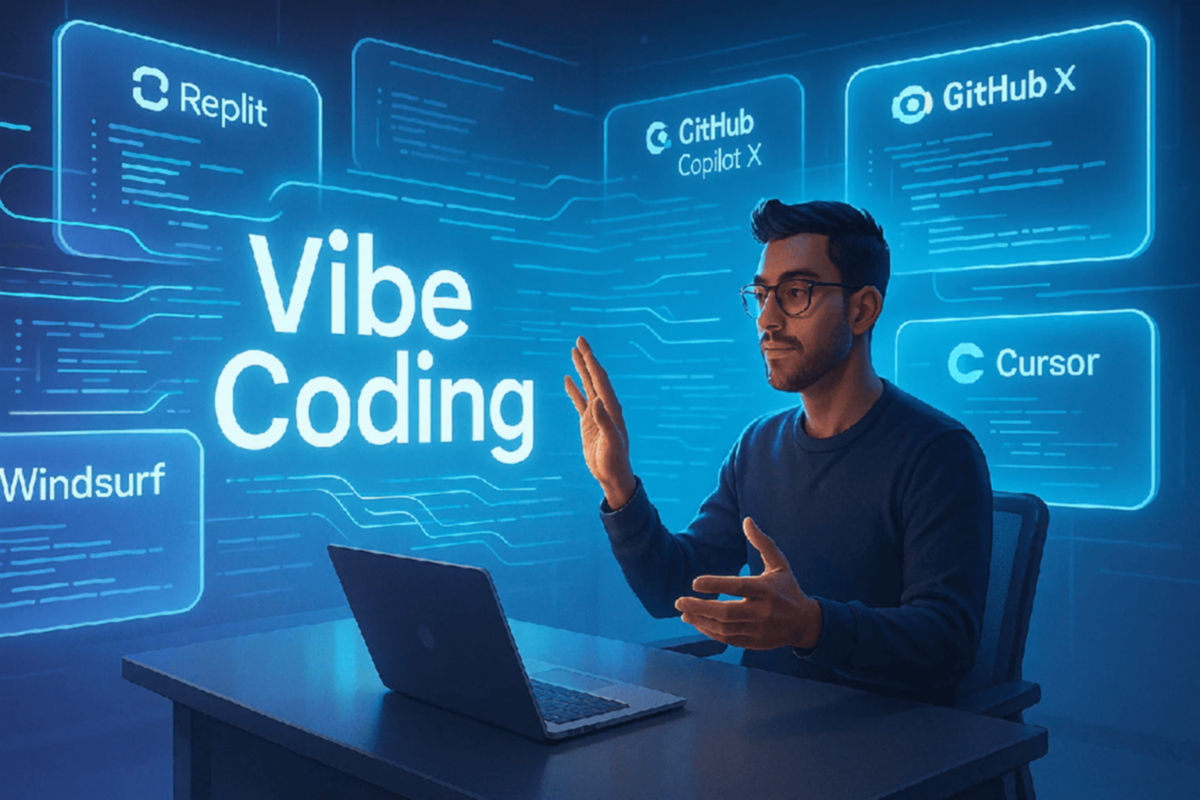
What is Vibe Coding
Vibe Coding is a style of software development in which the programmer describes what they want to achieve using natural language (e.g., in Italian or English) and lets an artificial intelligence generate, execute, and correct the code, often without reading it line by line.
The term was coined by Andrej Karpathy (formerly Tesla's head of AI and co-founder of OpenAI) in a February 2025 tweet, in which he described an approach where you "give in completely to vibes," accept all AI suggestions, and almost forget that the code exists.
Basically, instead of manually writing each function, you:
Describe the goal ("create a landing page with contact forms")
AI generates the code
You execute the result
If there are errors, paste them into the AI and ask to fix them
Repeat until it works
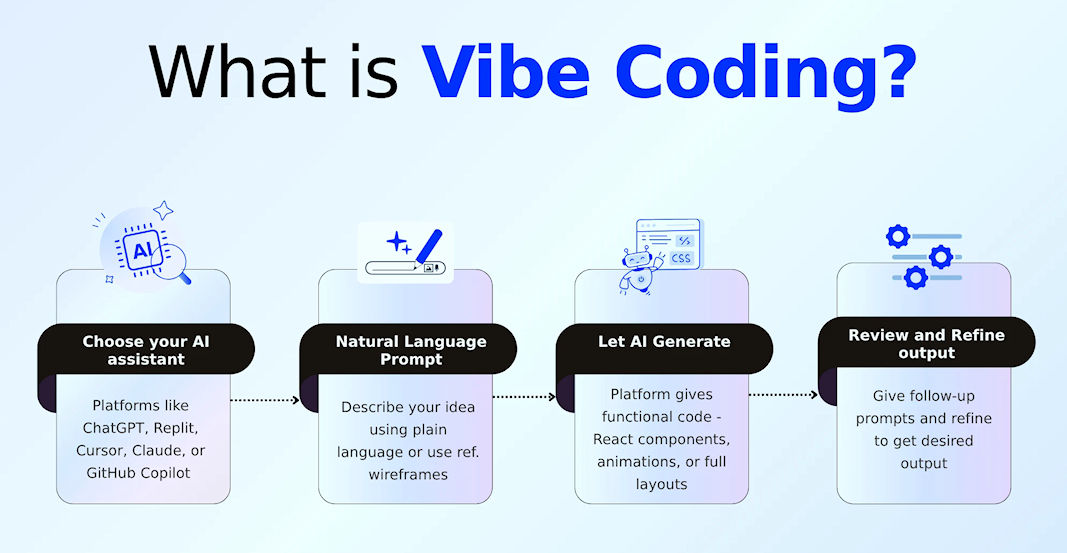
How Workflow Works (Vibe Coding Loop)
The typical vibe coding cycle is divided into four phases:
Describe: You explain in natural language what you want to build.
Generate: AI writes the code, often editing multiple files at once.
Run: Launch the program or open the preview in the browser.
Nudge: If something is wrong, paste the error into the AI and ask for a fix, then repeat.
The distinguishing feature is that you don't read the generated code (or do so very superficially). If you read and verify it, however, you are doing traditional "AI-assisted coding," not vibe coding.
Tools for Vibe Coding
There are several categories of tools that enable vibe coding:
1. CLI-based (from terminal)
Claude Code (Anthropic): AI agent from terminal that understands the entire codebase and makes multi-file changes
OpenCode: Open-source tool that supports 75+ AI providers, completely free (you only pay API credits)
Codex CLI (OpenAI): command line interface for Codex.
2. IDE plugin (extensions for code editors)
Cline (for VSCode/Cursor): free extension that plans and implements complex changes.
Roo Code: open-source, excellent awareness of the project context.
Kilo Code: fork of Roo Code with Cline-like functionality.
3. IDE fork (dedicated editor)
Cursor: The most popular AI editor in 2026, with a free plan and $20/month subscriptions.
Devin Desktop (formerly Windsurf): Editor with Cascade agent and built-in deployment.
4. Web-based platforms
v0 (Vercel): generates modern UI interfaces from text prompts.
Lovable: Create complete apps from a single prompt, with built-in hosting.
Bolt (StackBlitz): browser-based builder for sites and apps.
Replit: all-in-one platform with database and publishing.
Resources and useful links to learn more
Here is a selection of reliable resources for studying vibe coding:
DreamHost – Vibe Coding Tools: 9 Best Picks for 2026
https://www.dreamhost.com/blog/vibe-coding-tools/
Recensione detailed and comparative of the best tools, with scores and pros/consScrimba – What Is Vibe Coding? A 2026 Guide for Developers
https://scrimba.com/articles/what-is-vibe-coding/
Guida complete with definition, history, benefits, risks and tips for learningWikiprompt – Vibe coding (AI Wiki)
https://www.wikiprompt.org/wiki/vibe-coding
Voce encyclopedic with definition, origins and criticisms.StartupHub – Andrej Karpathy: Vibe Coding to Agentic Engineering, 2026
https://www.startuphub.ai/ai-news/ai-figures/2026/figure-andrej-karpathy-vibe-coding-agentic-engineering-2026-08-16
Insight into the evolution of the concept from KarpathyScaler – What is Vibe Coding? A Beginner’s Guide
https://www.scaler.com/blog/what-is-vibe-coding-a-beginners-guide-to-ai-powered-app-development/
Guida for beginners with practical examplesCodeRabbit – A semantic history of vibe coding
https://www.coderabbit.ai/blog/a-semantic-history-how-the-term-vibe-coding-went-from-a-tweet-to-prod
Storia semantics of the term and its impact
Conclusion
Vibe coding represents a paradigm shift: it's no longer about writing code, but about guiding an AI toward the desired outcome. It's perfect for quick prototypes, personal projects, and initial learning, but requires caution for production-critical projects, as unread code can hide vulnerabilities.